Fotobearbeitung
FLUX Fotobearbeitung
Bearbeite ein Foto, indem du sagst, was sich ändern soll
Ändert ein Bild, das du hochlädst, und lässt den Rest, wie er war. Sag in einem einfachen Satz, was sich ändern soll: aus Sommer Winter machen, den Hintergrund tauschen, es als Aquarell gestalten, etwas hinzufügen oder entfernen. Nenne auch, was gleich bleiben muss, etwa das Gesicht der Person oder den Bildaufbau, dann wird die Bearbeitung am genauesten.
Prompt-Sprachen
- Englisch
Schreib deinen Prompt für die besten Ergebnisse in einer dieser Sprachen.
Preis einer Generierung
250 Credits
Schlägt eine Generierung fehl, bekommst du die Credits zurück.
Beispiele
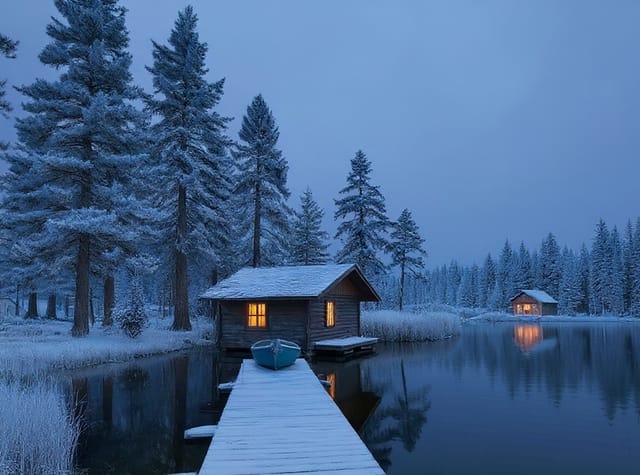
Aus Sommer wird ein verschneiter Winter
Prompt:Change the season to a snowy winter evening: snow on the roof, the trees and the dock, the lake frozen, warm light glowing in the cabin window. Keep the cabin, the boat and the composition the same.
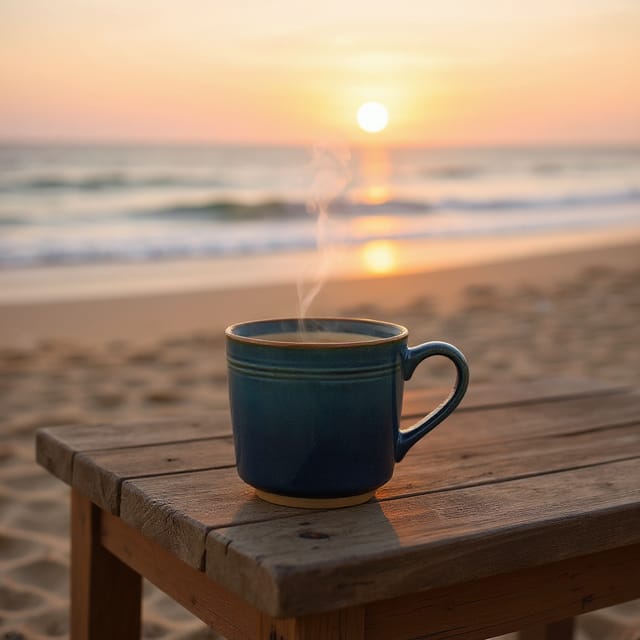
Die Tasse zieht von der Küche an den Strand
Prompt:Place the same mug on a weathered wooden table on a sandy beach at sunset, with the sea in the soft background. Keep the mug, its color and the steam unchanged.

Der Fuchs bekommt Regenmantel und Schirm
Prompt:Give the fox a small yellow raincoat and a red umbrella that it holds over its head. Keep the illustration style, the mushroom and the forest the same.
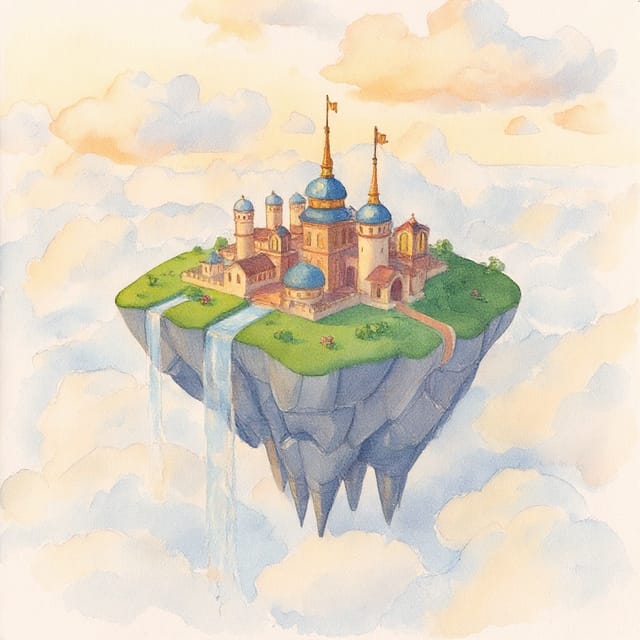
Die 3D-Insel als Aquarell neu gemalt
Prompt:Repaint this image as a loose hand-painted watercolor on textured paper, with soft washes and visible brush strokes. Keep the floating island, the buildings and the waterfalls in the same places.